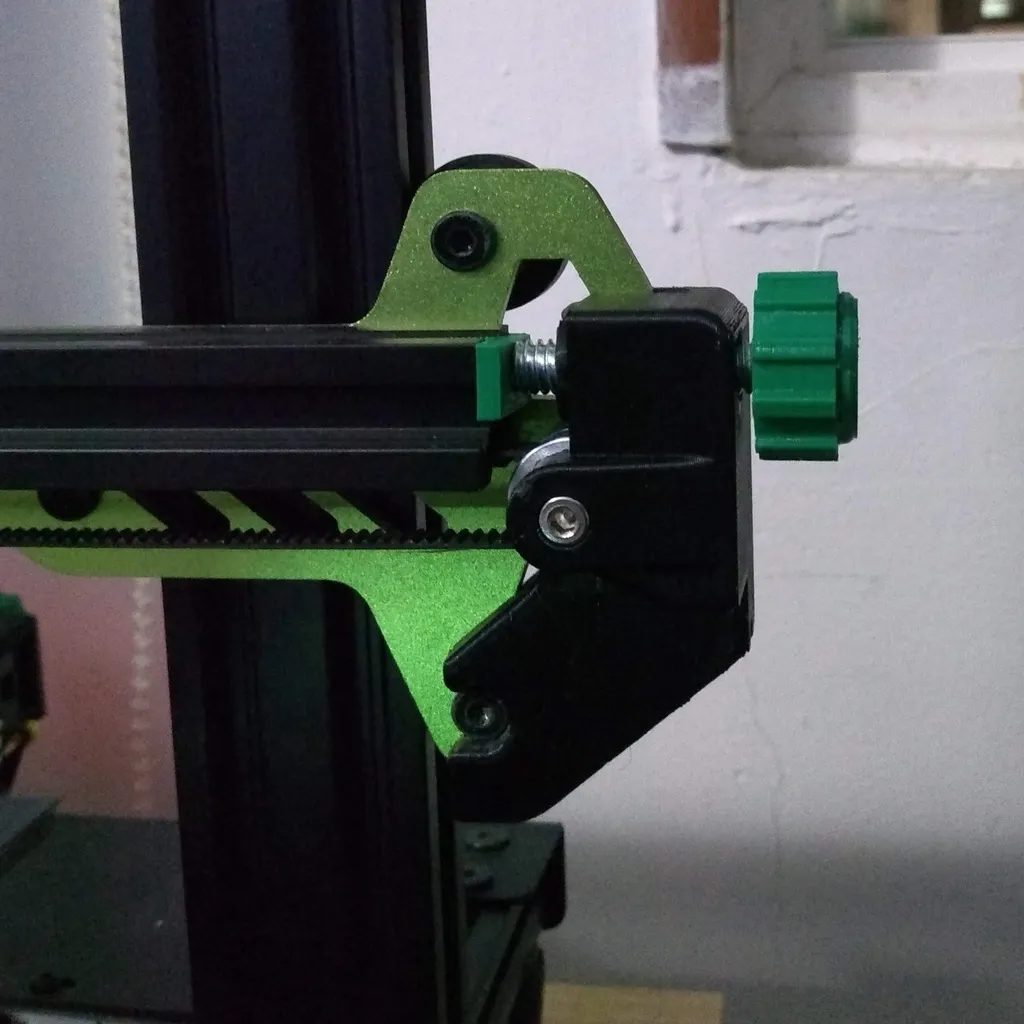
Understanding the Tevo Tarantula Z-Axis Problem
The Tevo Tarantula, a popular DIY 3D printer, is known for its affordability and ease of assembly. However, like any 3D printer, it can experience issues that affect print quality. One of the most common problems encountered by Tevo Tarantula users is related to the Z-axis. The Z-axis controls the vertical movement of the print head, and any problems here directly impact the height and layer accuracy of your prints. This can lead to a variety of print defects, from minor imperfections to complete print failures. Understanding the Z-axis issues is the first step in achieving consistent, high-quality 3D prints with your Tevo Tarantula. A well-functioning Z-axis is fundamental to the printer’s overall performance. By understanding the potential issues, users can systematically diagnose and resolve problems, ensuring their Tevo Tarantula delivers the desired results. The focus on troubleshooting and calibration will enhance the user’s experience and maximize the printer’s capabilities.
Common Z-Axis Issues on the Tevo Tarantula
Several Z-axis related problems plague Tevo Tarantula owners. These issues, if not addressed promptly, can result in significant print quality problems. These problems are often intertwined, meaning that one issue can exacerbate another. Identifying the specific issue is crucial for effective troubleshooting. The goal is to achieve smooth, accurate vertical movement of the print head, thus improving print fidelity. The user should be aware of the range of potential problems to pinpoint the source of the print defects. Addressing these issues will improve print success rate and overall satisfaction. Regular maintenance and preventative measures can significantly reduce the frequency of these problems.
Wobbling and Layer Shifting

Wobbling and layer shifting are among the most visible manifestations of Z-axis problems. Wobbling manifests as imperfections in the vertical surfaces of the print, causing them to appear wavy or uneven. Layer shifting, on the other hand, is when the print layers are misaligned horizontally, resulting in distorted prints. These issues often arise from loose components, incorrect belt tension, or instability in the Z-axis structure. The cause may also be related to the stepper motor not receiving the correct signals. Addressing these problems involves careful inspection, tightening of loose screws, and ensuring the proper alignment of all moving parts. Correcting these problems will lead to enhanced print accuracy. Proper maintenance and periodic checks can help prevent these issues from occurring in the first place.
Inconsistent Layer Heights
Inconsistent layer heights are another critical Z-axis issue. This problem results in prints where the layers are not uniform in thickness, leading to visible banding or surface imperfections. Inconsistent layer heights can be caused by a variety of factors, including a warped print bed, Z-axis binding, or incorrect Z-axis step calibration. Identifying this problem requires close inspection of the printed model to assess layer uniformity. This can be detected by visual inspection or with a precision measuring tool. Solving this involves bed leveling, lubrication of the Z-axis rods, and accurate calibration of the printer’s firmware settings. Accurate layer heights are crucial for achieving precise and aesthetically pleasing 3D prints. Fine-tuning the printer’s settings and maintenance will help minimize these problems.
Causes of Z-Axis Problems
The Z-axis issues can be caused by a combination of mechanical, electrical, and software-related factors. Understanding the underlying causes is essential for effective troubleshooting. The issues are often interconnected, meaning one problem can cause another. A holistic approach, considering all potential causes, is the best way to improve the print quality of the 3D printer. Systematic troubleshooting and diagnostics will significantly improve the user’s ability to address any Z-axis problems and improve the printer’s performance. This leads to more reliable and high-quality printing experiences. Preventative measures and regular maintenance will also contribute to the printer’s optimal performance over time.
Mechanical Issues

Mechanical problems are frequently the root cause of Z-axis issues. These can range from loose screws and misaligned components to worn-out parts. The Tevo Tarantula relies on several mechanical components to drive the Z-axis, including threaded rods, couplers, and linear bearings. Loose screws or misaligned components can cause wobble or binding. Worn or damaged parts, such as the Z-axis rods or couplers, can impact the precision of the vertical movement. Regular inspection and maintenance, including tightening screws and lubricating moving parts, are crucial for preventing these problems. Addressing these mechanical issues promptly ensures the smooth and accurate Z-axis motion, crucial for producing precise 3D prints. Careful assessment and repair or replacement of faulty parts are vital for the printer’s performance.
Stepper Motor Problems
The stepper motor is the heart of the Z-axis movement. Issues with the motor or its driver can lead to significant printing problems. The stepper motor moves the Z-axis in precise increments. Problems such as overheating, faulty wiring, or incorrect voltage settings can cause the motor to malfunction, resulting in layer shifting or inconsistent layer heights. Ensure the motor connections are secure and that the motor driver settings match the motor’s specifications. Regularly checking the motor’s temperature and ensuring adequate cooling are essential. Addressing any electrical issues, such as faulty wiring or incorrect voltage, is also critical. Checking motor performance and making necessary adjustments can help ensure reliable performance.
Firmware and Calibration Errors
Firmware settings and calibration are also crucial for accurate Z-axis control. Incorrectly configured firmware or improper calibration can result in inaccurate Z-axis movement. The ‘steps per mm’ setting in the firmware determines the distance the Z-axis moves for each step of the stepper motor. If this setting is incorrect, the layer heights will be inaccurate. Calibrating the Z-axis steps per mm is, therefore, essential for consistent prints. Moreover, ensure the firmware is up-to-date. Regularly review the firmware settings and calibrate the Z-axis step values for optimal print results. Firmware updates often include performance improvements that will also resolve potential Z-axis problems. Correct calibration and firmware settings guarantee a printer that produces accurate prints. Properly configured firmware settings and calibration contribute significantly to print quality.
Step-by-Step Troubleshooting Guide

Troubleshooting Z-axis problems often involves a systematic approach to identify the source of the issue. This involves several steps to ensure the problem is resolved effectively. Start by visually inspecting the printer for any obvious mechanical issues. Then, proceed with more detailed checks. This methodical approach will help pinpoint the underlying cause and allow for targeted solutions. Ensure that the troubleshooting process is documented, so that you have a record of what you have tried. This documentation will be useful in the future. By following a logical troubleshooting process, you can diagnose and resolve most Z-axis problems on the Tevo Tarantula. These steps should be performed in sequence for the best results.
Checking the Z-Axis Rods and Couplers
Begin by carefully inspecting the Z-axis threaded rods and the couplers that connect them to the stepper motor. Check for any bends, damage, or misalignment in the rods. Ensure the couplers are securely fastened and not slipping. Loose couplers can cause the Z-axis to move unevenly. Make sure the rods are straight and aligned correctly. Visually inspect the rods for any visible signs of wear or damage. If any issues are found, consider replacing the rods or tightening the couplers. The goal is to ensure smooth and consistent movement of the Z-axis. Careful inspection will ensure the rods are not contributing to print quality problems. Correcting any problems with the rods and couplers is a critical first step.
Verifying the Stepper Motor Connections
Next, examine the connections of the stepper motor that drives the Z-axis. Ensure the wiring is properly connected to the motor and the mainboard, and that the wires are not frayed or loose. Loose connections can cause intermittent motor failures or incorrect movement. Carefully check the wiring for any signs of damage. Make sure the motor is receiving the correct voltage and that the motor driver is functioning correctly. A multimeter can be used to verify the voltage to the motor. Also, ensure the motor is securely mounted to the frame of the printer. Secure connections and proper power supply are essential for reliable Z-axis performance. This step prevents motor-related issues from impacting print quality. Correcting any electrical problems will minimize print errors.
Calibrating the Z-Axis Steps per mm

Calibrating the Z-axis steps per mm is critical for accurate layer heights. The steps per mm setting in your printer’s firmware tells the printer how far the Z-axis should move for each step of the stepper motor. Measure the actual distance the Z-axis moves for a given number of motor steps, then compare it to the expected value. Adjust the steps per mm setting in your printer’s firmware (usually through the printer’s control panel or a connected computer) until the actual movement matches the desired movement. This will improve print quality significantly. The calibration process often requires careful measurement and adjustments. Perform a test print after calibration to verify the results. Precise calibration is crucial for print accuracy.
Tightening and Lubrication
Tightening and lubricating the Z-axis components can also resolve and prevent issues. Tighten any loose screws or bolts. Use a suitable lubricant on the Z-axis rods and linear bearings to reduce friction and improve smooth movement. A small amount of lubrication can go a long way. Be careful not to over-lubricate, as this can attract dust and debris. Applying lubrication correctly will increase the Z-axis’s longevity. Regular tightening and lubrication are essential parts of routine printer maintenance. Properly maintained Z-axis components will reduce wobble and improve print quality. These steps will extend the life of your printer.
Preventing Future Z-Axis Problems
Preventing future Z-axis problems involves proactive maintenance and regular checks. By implementing these measures, you can extend the life of your printer and maintain consistent print quality. By following these steps, you can reduce the frequency of Z-axis issues and ensure your Tevo Tarantula remains in good working order. Preventing these problems is easier than troubleshooting them. Consistent upkeep will improve the print quality. Following these guidelines will help you avoid problems and increase the reliability of your Tevo Tarantula.
Regular Maintenance

Implementing a regular maintenance schedule is vital. This includes regularly inspecting the Z-axis rods and couplers for wear or misalignment. Lubricate the rods and bearings to reduce friction. Tighten any loose screws or bolts. Clean the printer to remove dust and debris. Periodically check and adjust the Z-axis steps per mm setting. This will help prevent the Z-axis problems from occurring. Consistent upkeep will maintain your printer in its optimal condition. Following these steps will extend the life of your printer and improve its performance. Regular maintenance will help avoid costly repairs.
Upgrades and Modifications
Upgrading and modifying the Z-axis can enhance the printer’s performance and reduce the likelihood of future problems. Consider upgrading the Z-axis rods to higher-quality versions for improved stability and precision. Replacing the couplers with flexible couplers can reduce wobble and misalignment. Adding a dual Z-axis setup can further improve stability and reduce Z-axis issues. These modifications will enhance print quality and overall printer performance. Research and implement the changes that meet your needs. Evaluate the benefits and risks before making significant changes. Make sure the modifications are compatible with the existing printer components. The goal is to improve the overall print quality.
In conclusion, the Tevo Tarantula Z-axis issues can significantly impact print quality, but by understanding the causes, following a systematic troubleshooting approach, and implementing preventative maintenance measures, you can solve these problems. The key to success lies in a combination of careful inspection, calibration, and ongoing maintenance. By addressing the mechanical, electrical, and firmware-related aspects, you can enjoy high-quality, reliable prints. Remember that regular maintenance and appropriate upgrades are crucial for ensuring the longevity and optimal performance of your 3D printer. With the right knowledge and care, you can overcome Z-axis problems and continue to create amazing 3D prints.